7 Scary Website Mistakes That Are Costing You Customers
Your website should attract customers, not send them running for the hills. Unfortunately, some of the most common website mistakes can quietly hurt your business by frustrating visitors, weakening trust, and making it harder for potential customers to take the next step.
The scary part? You might not even realize they are happening. From painfully slow pages to contact forms that lead nowhere, here are seven website mistakes worth hunting down before they cost you another customer.
1. Your Website Takes Forever to Load
Few things test a visitor's patience like staring at a blank screen while a website struggles to load.
Large images, unnecessary scripts, outdated technology, and other performance problems can slow down a website and create a frustrating experience.
Website performance matters for search visibility, too. Google recommends providing a strong overall page experience and specifically points website owners toward Core Web Vitals, mobile usability, security, and an experience that allows users to easily access the main content. Learn more from Google's page experience guidance.
If your website feels sluggish, don't assume your customers will wait around. Test its performance and address the problems that are holding it back.
2. Your Mobile Experience Is a Nightmare
Your website may look incredible on a desktop computer. But what happens when someone opens it on a phone?
Tiny text, buttons that are difficult to tap, images extending beyond the screen, awkward menus, and endless zooming can quickly turn a promising visit into a frustrating one.
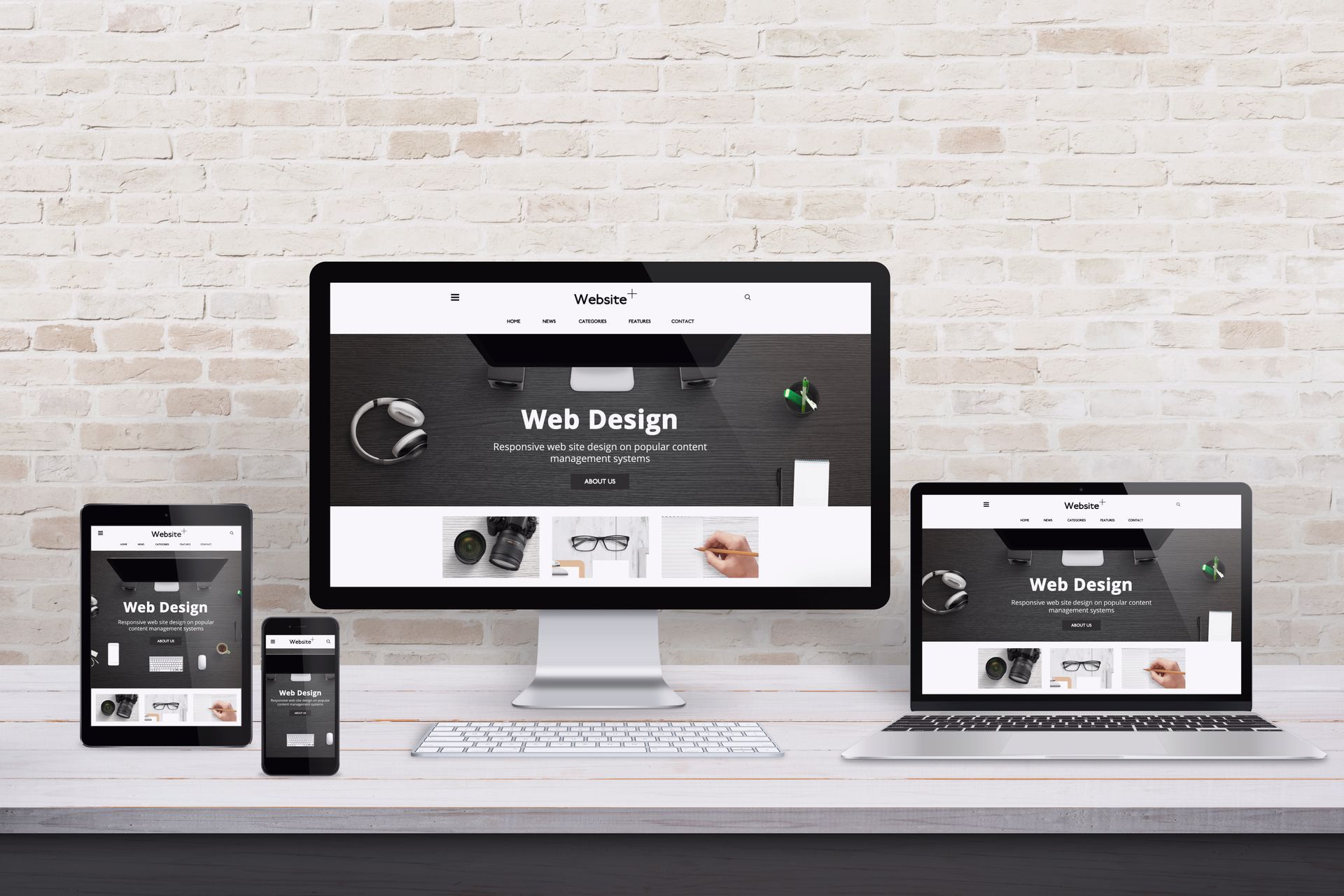
Responsive design allows a website to adapt to different screen sizes so visitors can comfortably navigate and interact with it across devices.
Mobile usability also overlaps with accessibility. The W3C Web Accessibility Initiative explains that web accessibility standards apply to mobile devices and address considerations such as touchscreens and small screen sizes.
A modern business website needs to work wherever your customers find it.
3. Visitors Can't Figure Out What You Actually Do
Here's a frightening thought: someone lands on your homepage, looks around for ten seconds, and still can't tell what your business offers.
Your website shouldn't make visitors solve a mystery. Clear headlines and straightforward messaging should quickly communicate:
- What your business does
- Who you serve
- Where you provide services, when location matters
- Why someone should choose you
- What the visitor should do next
Clever copy has its place, but clarity comes first. Visitors shouldn't have to dig through five pages to understand whether your business can solve their problem.
4. Your Navigation Is a Haunted Maze
Website navigation should guide visitors, not trap them.
Overcomplicated menus, vague page names, broken links, and important information buried several clicks deep can make even a beautiful website difficult to use.
Think about the questions potential customers are most likely to have. What services do you offer? Where are you located? Can they see examples of your work? How can they contact you? Your main navigation should make those answers easy to find.
Good site structure can also support SEO by helping users and search engines understand how pages relate to one another. If your website has grown without a clear plan, reorganizing its structure may make it easier for everyone to navigate.

5. Your Calls to Action Have Disappeared
Imagine someone loves what they see on your website and wants to become a customer. Now what?
If there isn't an obvious next step, you're making them do unnecessary work.
A call to action, or CTA, tells visitors what you want them to do next. Depending on your business, that could be:
- Request a quote
- Schedule a consultation
- Call your business
- Book an appointment
- Shop online
- Contact your team
- Learn more about a service
CTAs should appear naturally throughout the customer journey rather than being hidden on one contact page.
If generating more inquiries is one of your goals, explore Quantifi Media's lead generation services to see how digital marketing and conversion strategy can work together.
6. Your Website Looks Like It Hasn't Been Touched in Years
An outdated website can create doubts about an otherwise great business.
Old promotions, former employees, incorrect hours, discontinued services, outdated photos, broken links, and visibly dated design can all make visitors wonder whether the information they're reading is reliable.
Your website is often one of a potential customer's first interactions with your brand. Keeping it current shows that your business is active and paying attention. That doesn't mean chasing every web design trend. It means maintaining accurate information, modern functionality, strong branding, and a user experience that reflects the business you are today.
If your current site no longer represents your company, professional website development services can help turn it into a stronger marketing tool.
7. Your Contact Forms Don't Work
This may be the scariest website mistake of them all.
A potential customer fills out your form. They click submit. They think they've contacted you. And you never receive the message.
Broken forms, outdated email addresses, missing notifications, and technical errors can cause leads to disappear without anyone realizing it.
Test your website regularly from the customer's perspective. Submit the contact form. Click the phone number. Test important buttons. Check confirmation messages. Make sure inquiries actually reach the correct person.
A website isn't finished just because it looks good. Its most important functions need to work.
Is Your Website Scaring Customers Away?
The best business websites make it easy for visitors to understand who you are, find what they need, trust your company, and take action. If your site is slow, confusing, outdated, difficult to use on mobile, or failing to generate leads, those aren't just design problems. They can become business problems.
Quantifi Media builds sleek, mobile-friendly websites designed to help businesses make a strong impression and turn online attention into action.
Not sure what's lurking beneath the surface of your current site? Start with Quantifi Media's website development services or contact the team to talk about improving your digital presence.
What are the most common website mistakes?
Common website mistakes include slow load times, poor mobile usability, confusing navigation, unclear messaging, weak calls to action, outdated information, and broken forms or links. These problems can make a website more difficult to use and reduce the likelihood that visitors will become customers.
How can a bad website cost a business customers?
A poor website experience can make it difficult for potential customers to find information, trust the business, or complete an action such as calling, booking, purchasing, or submitting an inquiry. Some visitors may leave and look elsewhere instead.
How often should a business website be checked?
Businesses should review important website functions regularly and whenever major changes are made. Contact forms, links, mobile layouts, business information, service details, and key conversion paths deserve particular attention.
Does website design affect SEO?
Yes. Website design and development can affect factors such as mobile usability, page performance, navigation, internal linking, site structure, accessibility, and how content is presented. SEO should therefore be considered during both website builds and redesigns.
When should a business redesign its website?
A redesign may be worth considering when a website looks outdated, performs poorly on mobile devices, is difficult to update or navigate, no longer reflects the business, or isn't supporting current marketing and conversion goals.
Share this blog!